

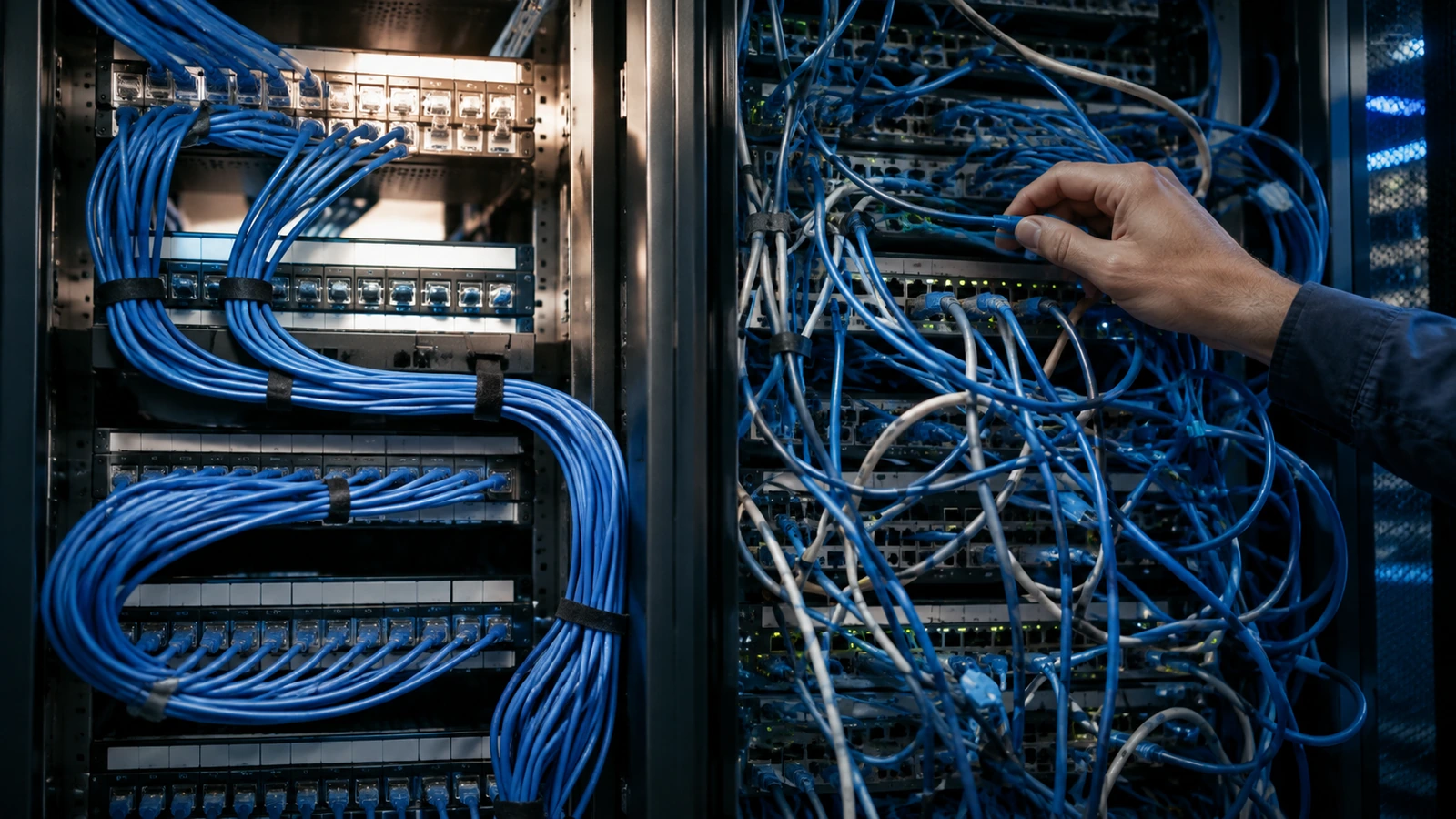
A Wi-Fi problem that’s actually a cabling problem is one of the most common misdiagnoses in wireless troubleshooting — RF gets blamed because RF is what’s visible, while the cable plant underneath quietly caps performance regardless of how good the wireless design is.
The category matters more than “is it plugged in”
TIA-568-C defines the real specifications behind Cat5e, Cat6, and Cat6A, and they’re not interchangeable for modern access points. Cat5e is rated for 1 Gbps at 100 meters with 100 MHz of bandwidth — fine for a legacy AP, insufficient for the 2.5 GbE or higher uplinks many Wi-Fi 6E and Wi-Fi 7 APs need to avoid the wired connection becoming the actual bottleneck. Cat6 supports 10 Gbps but only to about 55 meters (1 Gbps to the full 100 meters) with 250 MHz of bandwidth. Cat6A is the real standard for future-proofing a multi-gig AP uplink: 10 Gbps at the full 100 meters, 500 MHz of bandwidth. Running a Wi-Fi 6E deployment over legacy Cat5e is a common, quiet cause of “the Wi-Fi is slow” complaints that have nothing to do with the wireless design.
PoE power budget is the other silent constraint
802.3af (PoE) delivers about 15.4 watts at the source, roughly 12.95 watts usable at the device after cable loss. 802.3at (PoE+) delivers about 30 watts, roughly 25.5 watts usable. 802.3bt (PoE++) reaches up to around 90-100 watts at the source, 71-90 watts usable depending on class. A modern multi-radio Wi-Fi 6E or Wi-Fi 7 access point can need 25 watts or more just to run every radio at full capability — deploy it on underpowered 802.3af PoE and the AP will silently disable a radio or reduce its own capability to fit inside the available power budget, with no error message pointing back to the actual cause.
What bad termination and cable runs actually cost
A cable run past the 100-meter spec for its category degrades signal and increases packet loss in a way that looks intermittent, not obviously wrong. Improper termination — inconsistent T568A/T568B pinout across a run, untwisted pairs left exposed too far from the jack — introduces near-end crosstalk that shows up as retransmissions and reduced throughput, not a clean failure. Cheap unshielded cable routed near fluorescent ballasts or HVAC motors picks up real electromagnetic interference that a shielded cable or a different route would have avoided entirely.
Why this gets misdiagnosed as a Wi-Fi problem
Wireless troubleshooting instinctively looks at channel congestion, AP placement, and interference — the RF side — because that’s what a Wi-Fi analyzer is built to show. A cable plant that’s quietly capping an AP’s real uplink capacity, or a PoE budget forcing a radio into a reduced state, produces symptoms that look exactly like a wireless design problem and routinely gets treated as one, at the cost of fixing the wrong layer.
The practical takeaway
Before troubleshooting the RF, confirm the cable plant and PoE budget can actually deliver what the access point needs — category, run length, termination quality, and power class. TekFidelity’s Site Surveys & Validation checks the wired infrastructure alongside the wireless, because a design that’s correct on paper still fails if the cabling underneath it can’t carry it.