

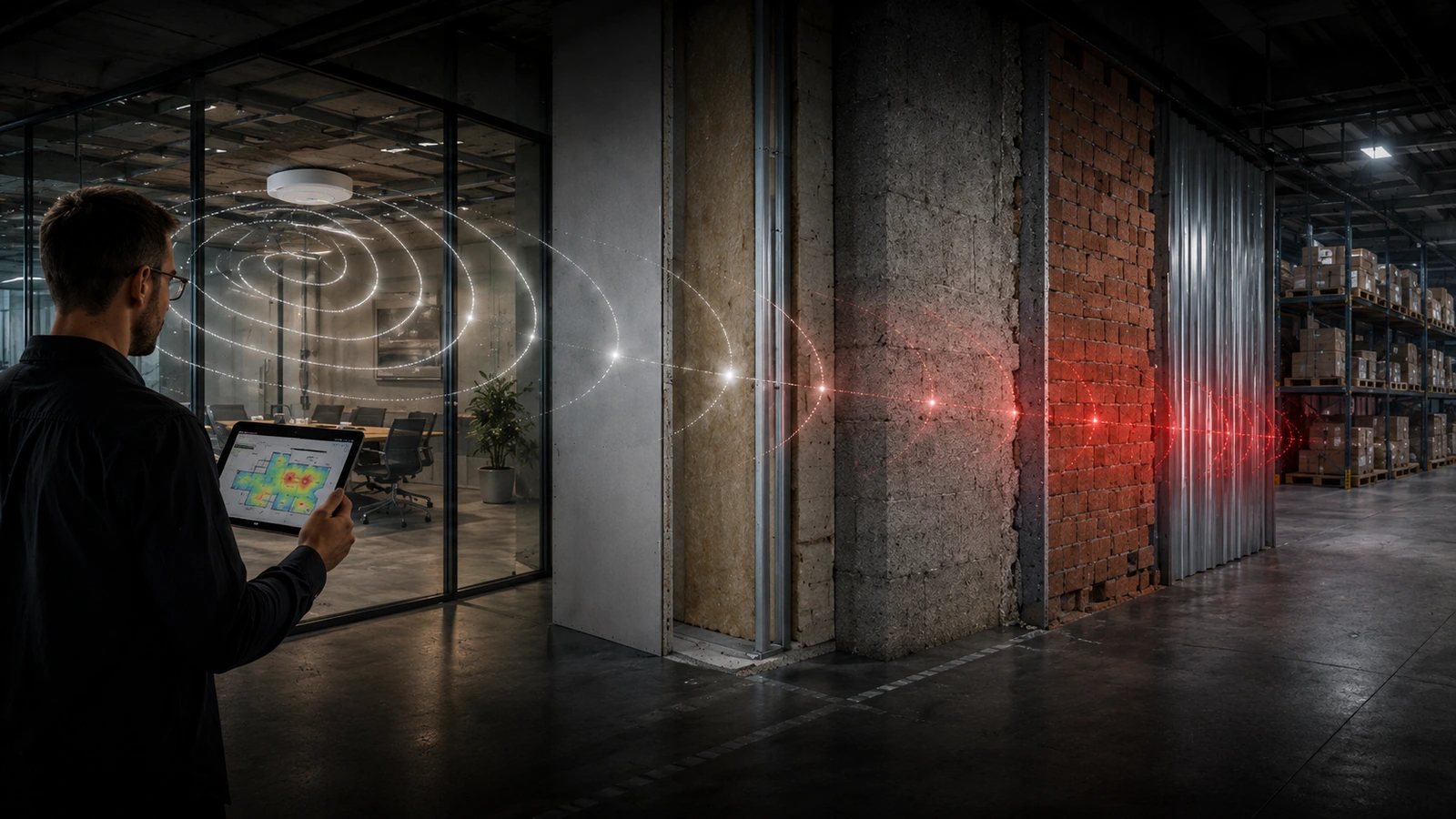
Construction materials attenuate signal by predictable, measurable amounts — and the amount changes with frequency. That is why wall composition belongs in the model before it becomes a field problem.
Wall materials are not a footnote in a wireless design. They are one of the largest single variables in how a building behaves, and they are knowable in advance. A predictive model built from architectural drawings accounts for them; a design built from a coverage assumption does not.
Attenuation is frequency-dependent
The same wall does not cost the same amount of signal at every frequency. Attenuation generally increases as frequency rises, so a partition that is a minor obstacle at 2.4 GHz can be a significant one at 5 GHz and worse again at 6 GHz.
This matters more now than it did five years ago. Designs that lean on 6 GHz for capacity inherit tighter material budgets at exactly the frequency where materials cost the most. A layout that worked when most clients associated at 2.4 GHz will not automatically survive being pushed up a band.
What common materials actually cost
The figures below are approximate planning ranges at 5 GHz, not fixed constants. Actual loss varies with thickness, moisture content, backing, reinforcement and construction quality — which is why they inform a model rather than replace measurement.
- Interior drywall partition — roughly 3–5 dB. Usually survivable, and cumulative: three partitions in a row is a different problem from one.
- Standard glass — roughly 2–4 dB. Low-emissivity and metallic-coated glazing is a different material entirely and can cost 10–25 dB or more, which routinely surprises people designing around a glass curtain wall.
- Brick — roughly 8–15 dB, depending on thickness and whether it is a veneer or structural.
- Concrete — roughly 12–25 dB and upward. Reinforcement matters as much as thickness: rebar and wire mesh turn a lossy wall into something closer to a partial shield.
- Sheet metal, metal stud with mesh lath, elevator shafts, shielded rooms — treat as effectively opaque rather than as a number. Designing to pass signal through them is a decision to accept a dead zone.
Metal reflects before it blocks
Metal is often described as blocking Wi-Fi. The more useful description is that it reflects. Reflected energy does not disappear — it arrives late, out of phase, and can raise the noise floor or degrade the signal-to-noise ratio in places that still show a healthy signal reading.
This is why racking, roll-up doors, HVAC ducting and metal ceilings can produce environments that look adequately covered on a survey but perform inconsistently in use. Signal strength is present; usable capacity is not.
Water, including people
Water attenuates strongly, and the 2.4 GHz band sits close to the resonant frequency of the water molecule. Practically, that means pools, wet processes, chilled-water plant and dense stands of vegetation are real design constraints.
So are occupants. A room modelled empty and measured empty will behave differently at capacity, because a body is largely water. In high-density spaces — lecture halls, auditoriums, clinical waiting areas — the human load is part of the RF environment, not an external variable.
Why this belongs in the model, not the install
Every material effect described here is knowable from the drawings. Ceiling heights, wall build-ups, glazing specification and shielded-room locations exist on paper long before anyone stands in the space with a meter.
That is the argument for predictive modelling: the cheapest time to discover that an access point is behind a lead-lined wall is before the purchase order, not during commissioning. Modelling exactly how a building’s construction attenuates signal is a core part of the predictive work behind a proper enterprise Wi-Fi design.
The model is a hypothesis, though, not a result. Material assumptions get confirmed or corrected by measurement in the finished building, which is the job of a post-install validation survey.
A single dead zone usually traces back to exactly this kind of material and layout combination — see our broader breakdown in Understanding Wi-Fi Dead Zones for how attenuation fits alongside coverage, interference, and roaming as root causes.